
📍 Introduction
Website accessibility ensures that everyone, including users with disabilities, can navigate and interact with your website effectively. Not only does accessibility improve user experience (UX), but it also boosts SEO rankings, as search engines favor inclusive, user-friendly websites. Implementing Optimising Landing Pages for Conversions can further enhance accessibility and usability, leading to higher engagement and conversions. In this guide, we’ll explore the impact of website accessibility on UX and SEO and how to implement best practices.
1️⃣ Why Website Accessibility Matters
🔍 Key Benefits:
✔ Enhances user experience for all visitors.
✔ Expands audience reach by accommodating users with disabilities.
✔ Improves search rankings as Google prioritises accessible sites.
✔ Reduces legal risks by complying with accessibility standards.
📌 Real-World Data: Websites that follow accessibility best practices experience 12% higher engagement rates and lower bounce rates.
2️⃣ How Website Accessibility Impacts SEO
Google rewards websites that are easy to navigate and understand, making accessibility a crucial SEO factor.
📊 SEO Benefits of Accessibility:
✔ Improved site structure with clear headings and navigation.
✔ Better indexing with properly labelled images and alt text.
✔ Lower bounce rates due to an enhanced user experience.
✔ Increased dwell time as users find content easier to consume.
📌 Action Step: Use Google Lighthouse & WebAIM tools to test accessibility compliance.
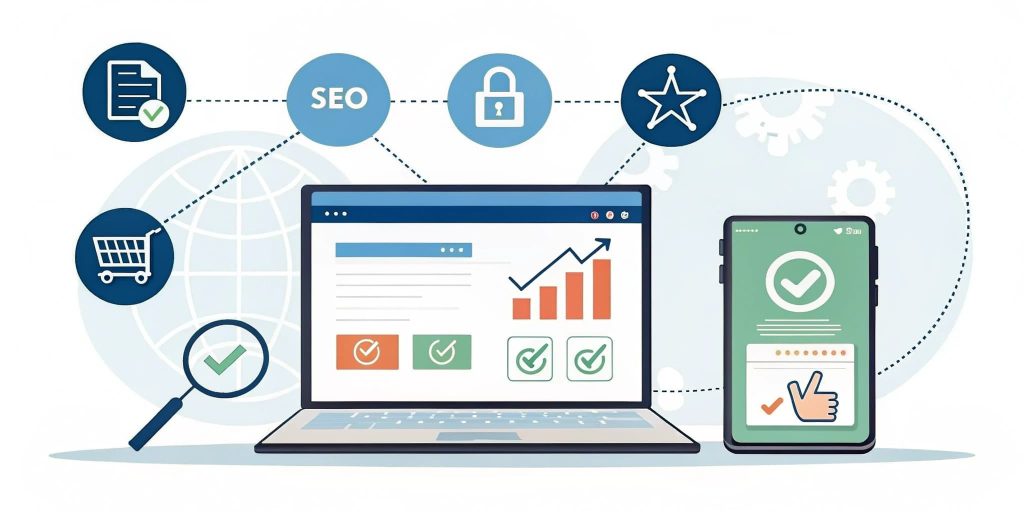
3️⃣ Best Practices for Website Accessibility & SEO
🎯 1. Use Proper Heading Structure (H1-H6)
✔ Ensure a logical content hierarchy for readability.
✔ Helps screen readers and search engines understand page structure.
🎯 2. Implement Descriptive Alt Text for Images
✔ Describe images clearly using keyword-rich, meaningful text.
✔ Improves SEO and makes content accessible for visually impaired users.
🎯 3. Ensure Keyboard Navigation Support
✔ All functions should be accessible using only a keyboard.
✔ Focus indicators (e.g., tab navigation) should be clearly visible.
🎯 4. Provide Captions & Transcripts for Multimedia
✔ Use closed captions for videos to aid users with hearing impairments.
✔ Add text transcripts for podcasts or audio content.
🎯 5. Improve Colour Contrast & Readability
✔ Ensure high contrast between text and background.
✔ Avoid colour combinations that are hard to read for colourblind users.
📌 Real-World Data: Websites with better contrast and typography see 20% higher engagement rates.
🚀 Conclusion
Website accessibility is no longer an option—it’s a necessity for improving UX, increasing audience reach, and boosting SEO rankings. By implementing proper heading structures, alt text, keyboard navigation, and accessible media, businesses can create an inclusive and high-performing website.
📌 Next Steps:
✅ Conduct an accessibility audit using WebAIM or Lighthouse.
✅ Implement best practices for inclusive design.
✅ Need expert guidance? Contact our Web Design Auckland team today!