
📍 Introduction
A high bounce rate can indicate that visitors are leaving your website too quickly, which negatively impacts SEO rankings, conversions, and user experience. Improving website design and usability can increase engagement and keep visitors on your site longer. In this guide, we’ll explore effective design strategies to reduce bounce rates.
1️⃣ What is Website Bounce Rate?
Bounce rate is the percentage of visitors who leave your website after viewing only one page.
🔍 Why a High Bounce Rate is a Problem:
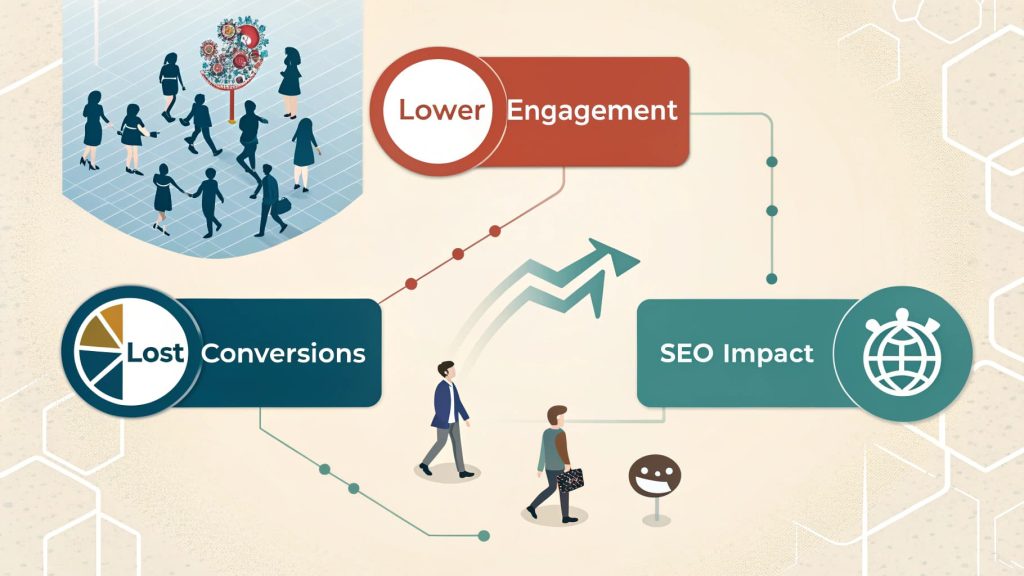
✔ Lower engagement – Visitors aren’t interacting with your content.
✔ Lost conversions – Potential leads leave before taking action.
✔ SEO impact – High bounce rates can hurt rankings in search engines.
📌 Real-World Data: Websites with a bounce rate above 70% often struggle with poor navigation and slow load times (Google).
2️⃣ How to Improve Website Design to Reduce Bounce Rate
🎯 1. Optimise Page Load Speed
✔ Compress images and use next-gen formats (WebP, AVIF).
✔ Enable browser caching and minify CSS/JavaScript.
✔ Use a Content Delivery Network (CDN) for faster global loading.
📌 Real-World Data: 1-second delay in page speed can reduce conversions by 7%.
🎯 2. Improve Navigation & Site Structure
✔ Use a clear, intuitive menu layout.
✔ Ensure important content is easily accessible.
✔ Implement breadcrumbs for better site hierarchy.
🎯 3. Use Engaging & Readable Content
✔ Write short, scannable paragraphs for easy reading.
✔ Use bullet points and subheadings to break up text.
✔ Add visuals like videos, images, and infographics.
🎯 4. Implement Strong Calls-to-Action (CTAs)
✔ Place CTAs above the fold for quick visibility.
✔ Use contrasting colors to make CTAs stand out.
✔ Test different CTA wording for better conversions.
📌 Real-World Data: Well-designed CTAs can increase conversion rates by 80% (HubSpot).
🎯 5. Enhance Mobile Experience
✔ Ensure mobile-friendly, responsive design.
✔ Use touch-friendly buttons and links.
✔ Test with Google’s Mobile-Friendly Test.
📌 Action Step: Over 60% of web traffic now comes from mobile devices—optimise accordingly!
🚀 Conclusion
Reducing bounce rate requires a combination of design improvements, faster load speeds, clear navigation, engaging content, and optimised CTAs. By focusing on user experience and website performance, businesses can retain visitors, boost engagement, and improve SEO rankings.
To reduce bounce rates, it’s important to enhance user experience with UX & UI design. A well-designed website with easy navigation, fast load times, and engaging visuals encourages visitors to stay longer. By prioritizing user-centered design and optimizing your site’s functionality, you create a more enjoyable browsing experience that keeps users engaged, increases retention, and ultimately improves your website’s performance.
📌 Next Steps:
✅ Audit your website to identify high-bounce areas.
✅ Optimise page speed, navigation, and CTAs.
✅ Need expert help? Contact our Web Design Auckland team today!