
📍 Introduction
Google Ads retargeting (also known as remarketing) helps businesses re-engage visitors who have previously interacted with their website. This strategy ensures higher conversion rates by displaying targeted ads to users who have already shown interest. Implementing Google Ads Budget Optimization can further enhance your retargeting efforts, ensuring you maximize ROI while keeping costs under control. In this guide, we’ll cover how to set up an effective Google Ads retargeting campaign to boost conversions.
1️⃣ Understanding Google Ads Retargeting
Retargeting works by using cookies and tracking pixels to follow users across the web, displaying ads that remind them of your brand.
🔍 Benefits of Google Ads Retargeting:
✔ Increases conversion rates by targeting warm leads.
✔ Reduces cost per acquisition (CPA) by focusing on engaged users.
✔ Improves brand recall by keeping your business top-of-mind.
📌 Real-World Data: Retargeted users are 70% more likely to convert compared to first-time visitors (Google).
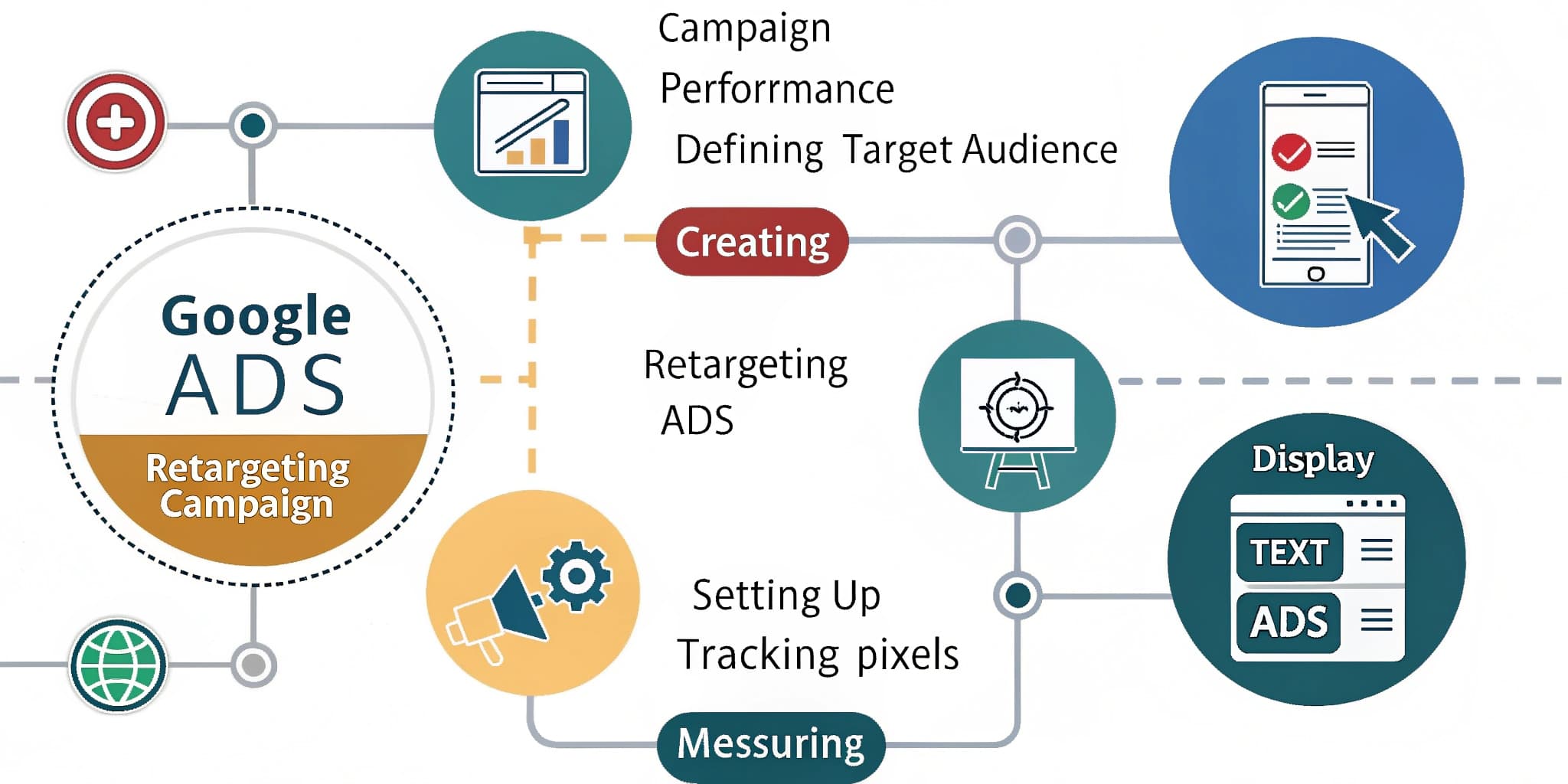
2️⃣ Setting Up a Google Ads Retargeting Campaign
🔧 Step 1: Install the Google Ads Tag
✔ Go to Google Ads > Tools & Settings > Audience Manager.
✔ Set up a remarketing tag and install it on your website.
✔ Use Google Tag Manager for easy implementation.
🔧 Step 2: Create a Remarketing Audience
✔ Navigate to Audience Manager > Segments > Create Audience.
✔ Choose website visitors who visited key pages but didn’t convert.
✔ Set up custom combinations (e.g., abandoned cart users).
🔧 Step 3: Design Engaging Ad Creatives
✔ Use personalised messaging to match user intent.
✔ Highlight special offers, testimonials, and urgency triggers.
✔ Test different ad formats like carousel, video, and display ads.
🔧 Step 4: Set Up a Retargeting Campaign
✔ In Google Ads, create a Display or Search Retargeting Campaign.
✔ Select your retargeting audience under “Audiences”.
✔ Set an appropriate budget and bid strategy for maximum ROI.
📌 Action Step: Use Dynamic Remarketing to show tailored product ads to past visitors.
3️⃣ Best Practices for Optimising Retargeting Campaigns
🎯 1. Segment Audiences for Better Targeting
✔ Create separate lists for cart abandoners, past buyers, and page visitors.
✔ Use different messaging for each audience segment.
🎯 2. Adjust Ad Frequency to Avoid Overexposure
✔ Limit ad impressions to prevent ad fatigue.
✔ Use frequency capping in Google Ads settings.
🎯 3. Test and Optimise Ad Variations
✔ A/B test ad creatives, messaging, and CTAs.
✔ Monitor performance metrics and adjust accordingly.
📌 Real-World Data: Retargeting can increase ad engagement rates by 400% compared to standard ads.
🚀 Conclusion
Google Ads retargeting is a powerful tool to recapture lost visitors and improve conversions. By segmenting audiences, optimising ad creatives, and monitoring campaign performance, businesses can maximise their Google Ads ROI.
📌 Next Steps:
✅ Set up Google Ads remarketing tags on your website.
✅ Create custom audience segments for better targeting.
✅ Need expert help? Contact our Google Ads Services in Auckland team today!