
📍 Introduction
Website speed directly impacts SEO rankings, user experience, and conversion rates. A slow-loading site frustrates users, increases bounce rates, and negatively affects search visibility. In this guide, we’ll explore why website speed matters and how to improve page load times.
1️⃣ Why Website Speed is Important
🔹 Impact on SEO & User Experience
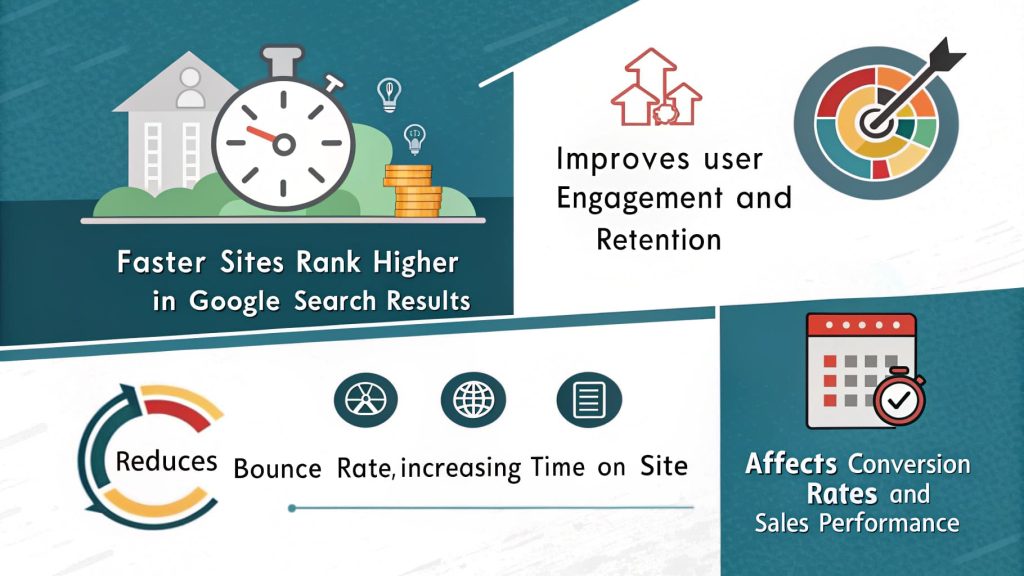
✔ Faster sites rank higher in Google Search results.
✔ Improves user engagement and retention.
✔ Reduces bounce rate, increasing time on site.
✔ Affects conversion rates and sales performance.
📌 Real-World Data: Websites that load in under 2 seconds have an average bounce rate of 9%, while sites that take 5+ seconds to load see a 38% bounce rate (Google).
2️⃣ Key Strategies to Improve Page Load Time
🎯 1. Optimise Images for Faster Loading
✔ Use next-gen image formats like WebP and AVIF.
✔ Compress images using tools like TinyPNG or ImageOptim.
✔ Implement lazy loading to defer off-screen images.
📌 Action Step: Resize images to match display dimensions before uploading.
🎯 2. Minify CSS, JavaScript & HTML
✔ Remove unnecessary spaces, comments, and formatting.
✔ Use minification tools like UglifyJS, CSSNano, and HTMLMinifier.
✔ Combine files to reduce HTTP requests.
📌 Action Step: Enable compression with Gzip or Brotli for smaller file sizes.
🎯 3. Enable Browser Caching
✔ Store static resources locally on user devices.
✔ Reduce repeat load times by leveraging cache-control headers.
✔ Use ETags and Last-Modified headers for efficient updates.
📌 Real-World Data: Browser caching can reduce server load by 50% and improve load speeds for returning visitors.
🎯 4. Use a Content Delivery Network (CDN)
✔ Distribute website content across multiple global servers.
✔ Reduce latency by serving users from the nearest server location.
✔ Protect against traffic spikes and DDoS attacks.
📌 Action Step: Implement Cloudflare, StackPath, or Akamai for faster content delivery.
🎯 5. Improve Server Response Time
✔ Upgrade to a faster hosting provider (e.g., VPS or dedicated server).
✔ Reduce server requests by minimising external scripts.
✔ Enable HTTP/2 and keep-alive connections for faster loading.
📌 Real-World Data: A 1-second delay in server response time can lead to a 7% decrease in conversions.
🚀 Conclusion
Website speed is a critical factor for SEO, user experience, and conversion rates. By optimising images, minifying files, leveraging caching, using a CDN, and improving server response time, businesses can create a faster, high-performing website.
Enhancing user experience with UX & UI design is crucial for keeping visitors engaged on your website. A fast-loading site combined with intuitive navigation and visually appealing design creates a seamless experience that encourages users to stay longer and explore more. By focusing on both website speed and user-centered design, businesses can boost customer satisfaction, reduce bounce rates, and ultimately improve conversion rates.
📌 Next Steps:
✅ Perform a site speed test using Google PageSpeed Insights.
✅ Implement caching, image optimisation, and CDN services.
✅ Need expert help? Contact our Web Design Auckland team today!